How to switch between centimetres and inches
Choose centimetres or inches in your account settings. Your card shows the numbers the way you wrote them.
Steps
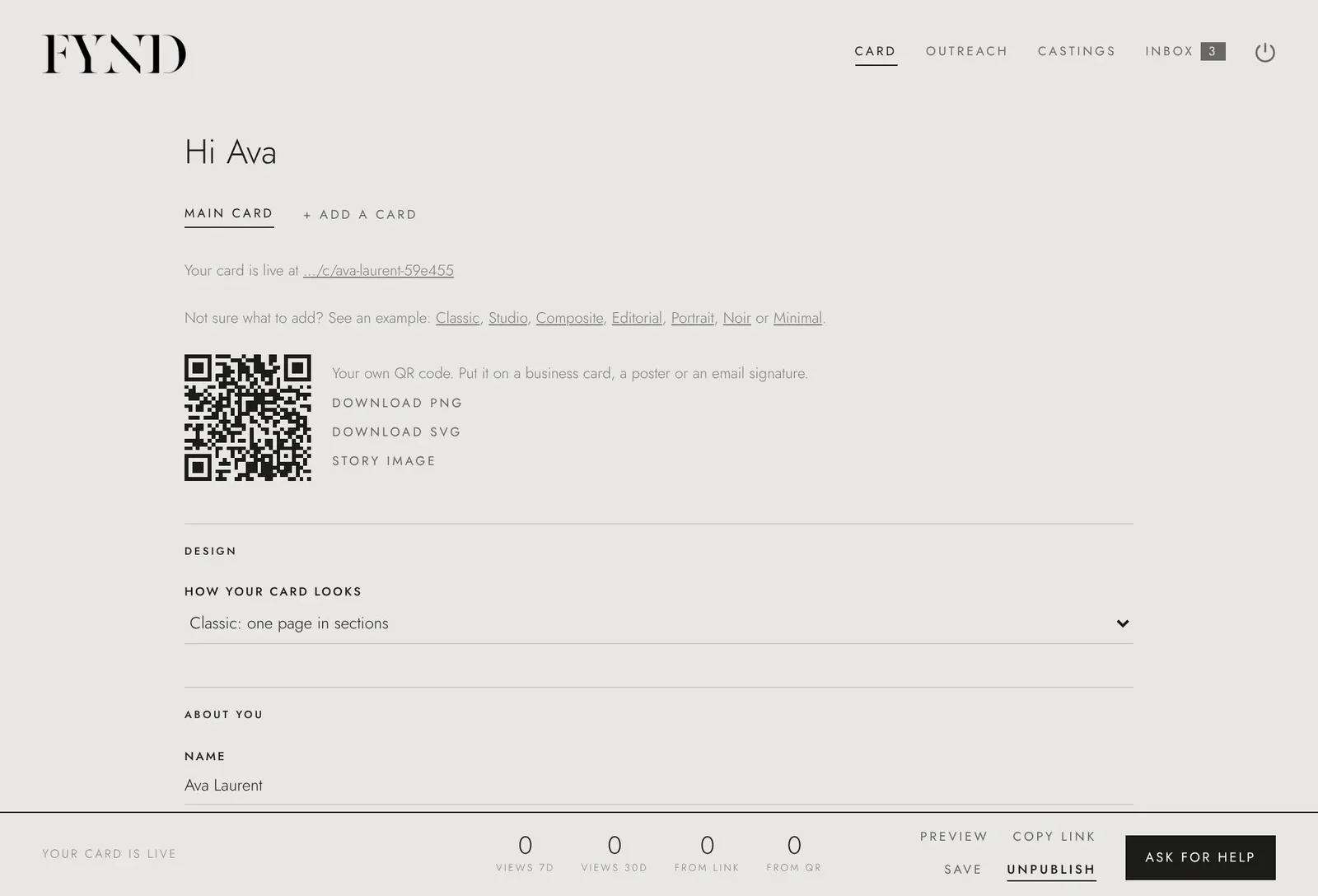
- Open the Card tab and scroll to Account at the bottom.
- Next to Measurements in, choose CM or IN.
- Choose Save.
Good to know
- The measurements on your public card stay as you wrote them. Agencies can switch units in their own settings.