How to publish (or unpublish) your comp card
A new card is a draft only you can see. Choose Publish on the Card tab to make it live at its own link. Choose Unpublish to take it down again.
Steps
- Open the Card tab.
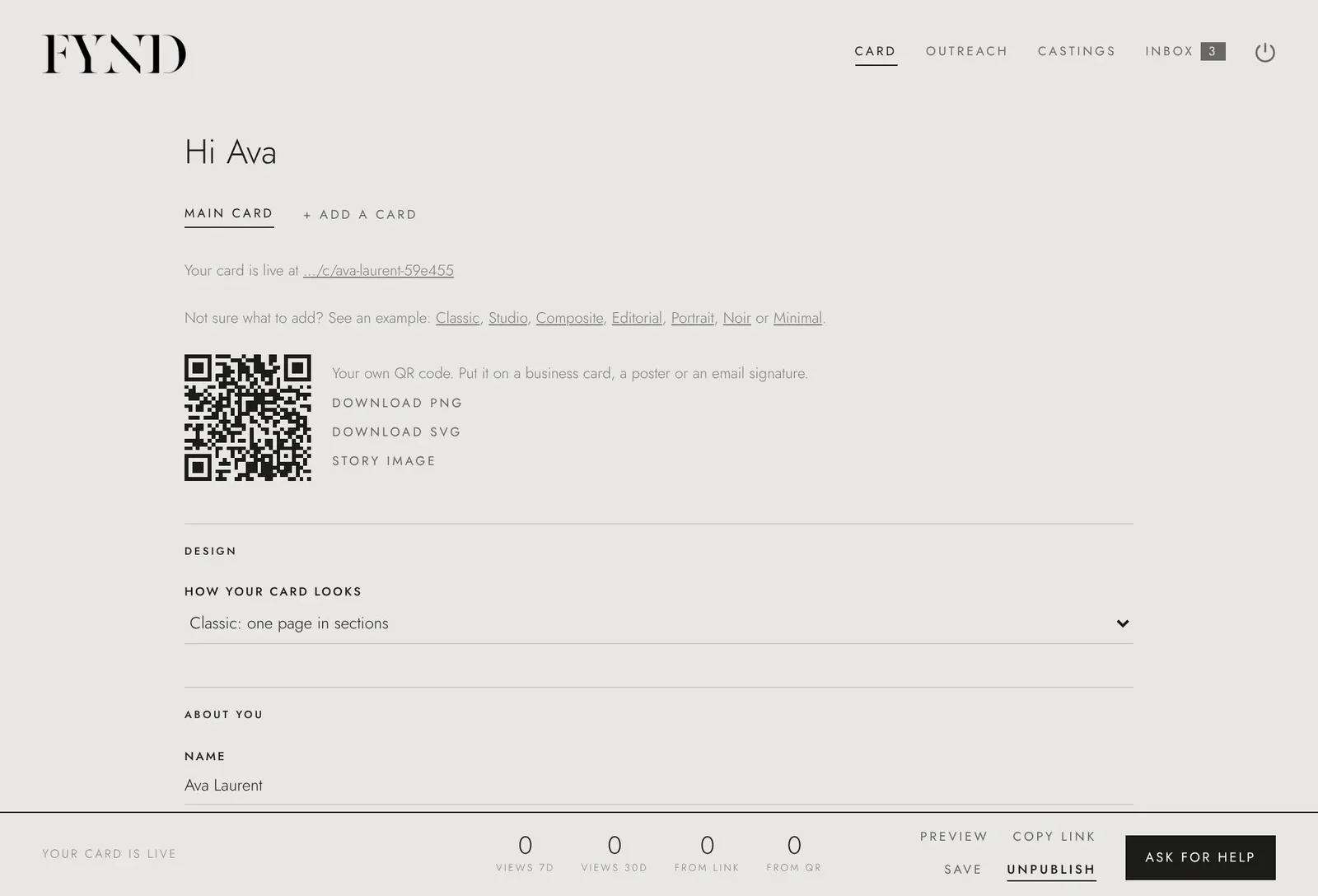
- Check the line under your card. If it says Before you can publish, it lists what is missing, for example a photo. Add it and save.
- Choose Publish in the bar at the bottom of the screen. The status changes to Your card is live and your link and QR code appear.
- To take it down, choose Unpublish. The card becomes a draft again.
Good to know
- A published card works as a link even if agencies cannot find you in search. Searching by agencies is a separate choice (see how agencies find your card).
- The public page shows only what is on your card. It is not listed in search engines, and you can unpublish or delete it at any time.
- To publish, your email address must be confirmed. If the note at the top of your account says to confirm it, open the link we emailed you or choose Send it again.