How to get a verified badge on your card
A verified tick shows agencies that a social account really is yours. You can prove it by adding a code to your public bio.
Steps
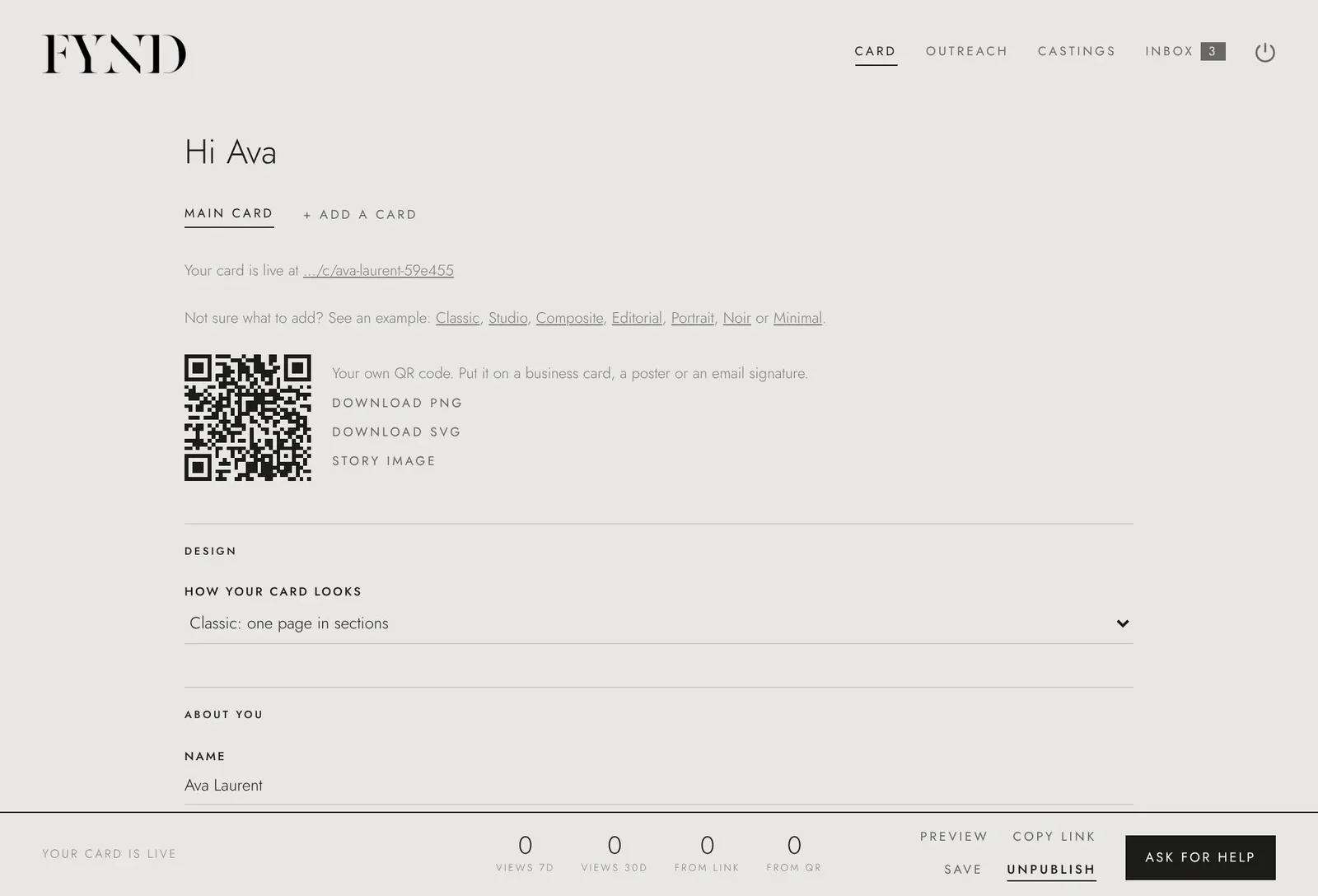
- Open the Card tab and find Verified accounts.
- Choose Get my code for the account you want to verify.
- Add the code to your public bio on that account.
- Ask for a check. We look at your public profile. If we cannot see the code, request again to get a new one.
Good to know
- The tick appears on your card and in search once it is approved.
- You can remove the code from your bio after the account is verified.