How to post a casting call and review applications
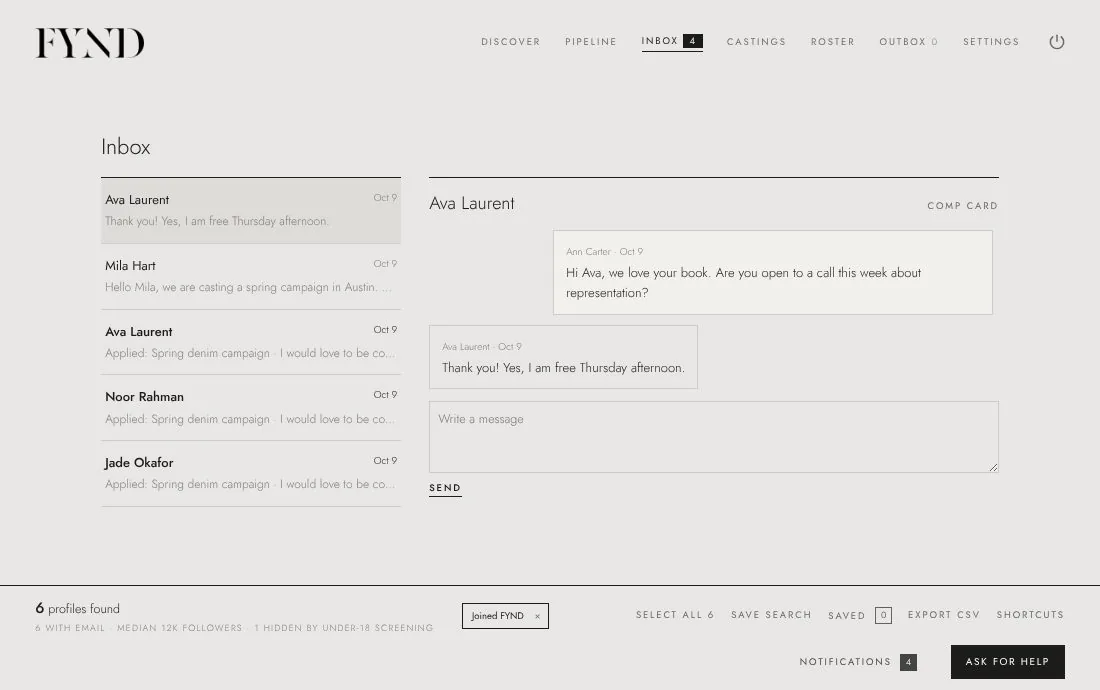
In the Castings tab choose New casting call, fill in the job and publish it. Talent with a published comp card can apply, and their applications arrive in your inbox.
Steps
- Open the Castings tab and choose New casting call.
- Fill in the Title, client, location, category, pay and Details: what the job is, who you are looking for and what to send.
- Save it. Talent with a published comp card can now apply with one step.
- Open the call to see applications. Choose Shortlist, Message or Decline on each one.
- Replies and applications also arrive in your Inbox.
Good to know
- The free plan includes 1 open casting call; Agency Pro removes the limit.
- Never charge anyone to apply.