How to create a free FYND account as talent
Choose Join free, then follow three short steps: your name and photos, your card on a preview, and a last step to save it with your email and a password. You must be 18 or older.
Steps
- Choose Join free (or Create your free card) on the home page. This opens a short sign-up in three steps.
- Step 1, Start your card: enter your full name and, if you like, where you are based. Choose Add photos to pick up to six (they are optional: you can add them later). The first one is your main photo; use Make main to change it. Choose Continue.
- Step 2, Pick your card: choose a design, then click any text on the preview to change it, or use the fields beside it. Choose Looks good.
- Step 3, Save your card: enter your email, date of birth and a password of at least 10 characters. The date of birth is only used to check you are 18 or older, and it is never shown on your card. Tick the box to accept the Terms and Privacy Policy, then choose Create my card.
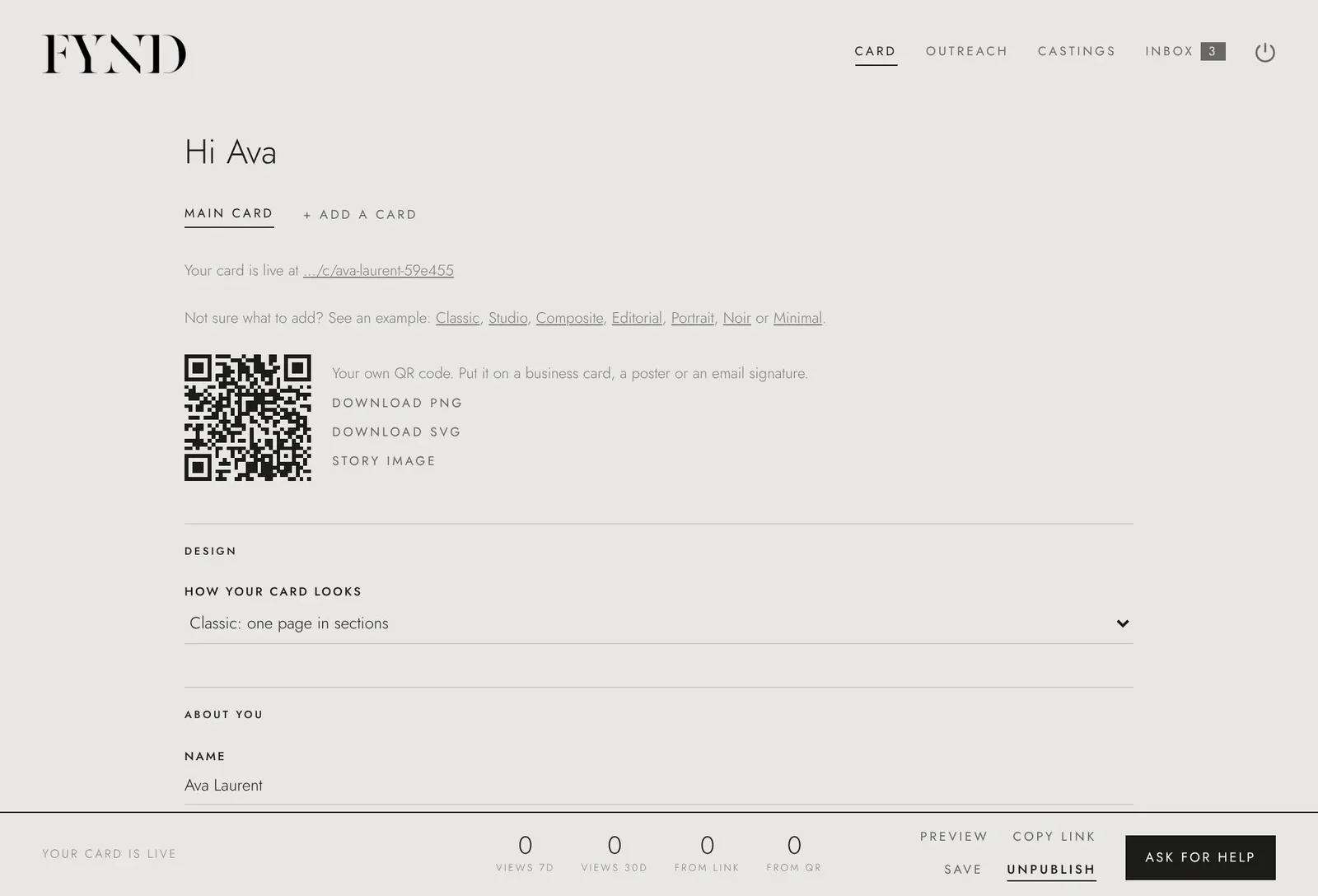
- You go straight to your account and can keep editing. To publish your card, open the link we email you to confirm your address (you can send it again from the note at the top of your account).
Good to know
- FYND is for people 18 and over.
- If you forget your password, choose Forgot password? on the sign-in screen and we will email you a link.