How agencies find your card (and how to turn it off)
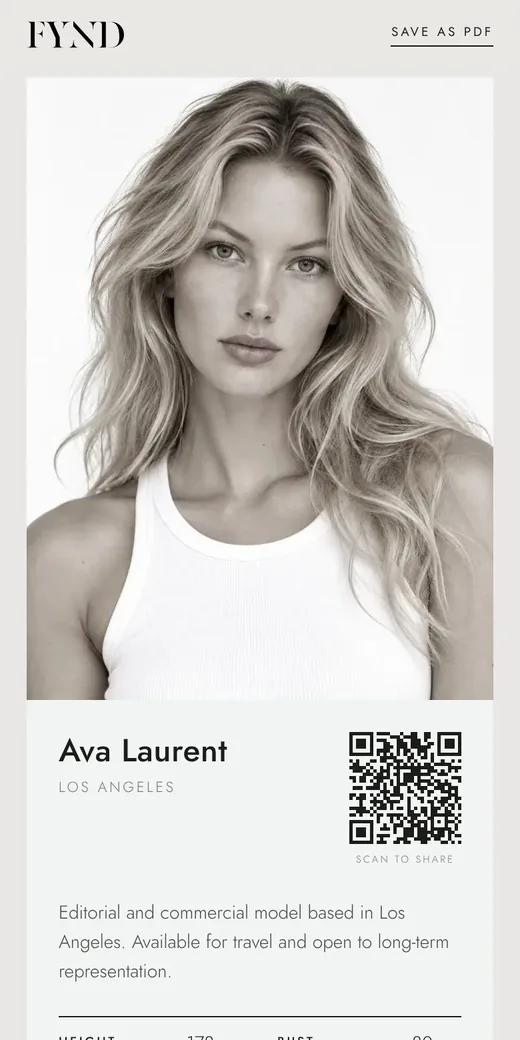
Agencies only see you in FYND search if your card is published and you have ticked Let agencies find my card. You can untick it at any time and your card still works as a private link.
Steps
- Open the Card tab and scroll down to Agencies.
- Tick Let agencies find my card in FYND search (only while it is published).
- Choose Save. Your card now appears when agencies search people who joined FYND.
- To stop being found, untick the box and save. Your card keeps working as a link you share yourself.
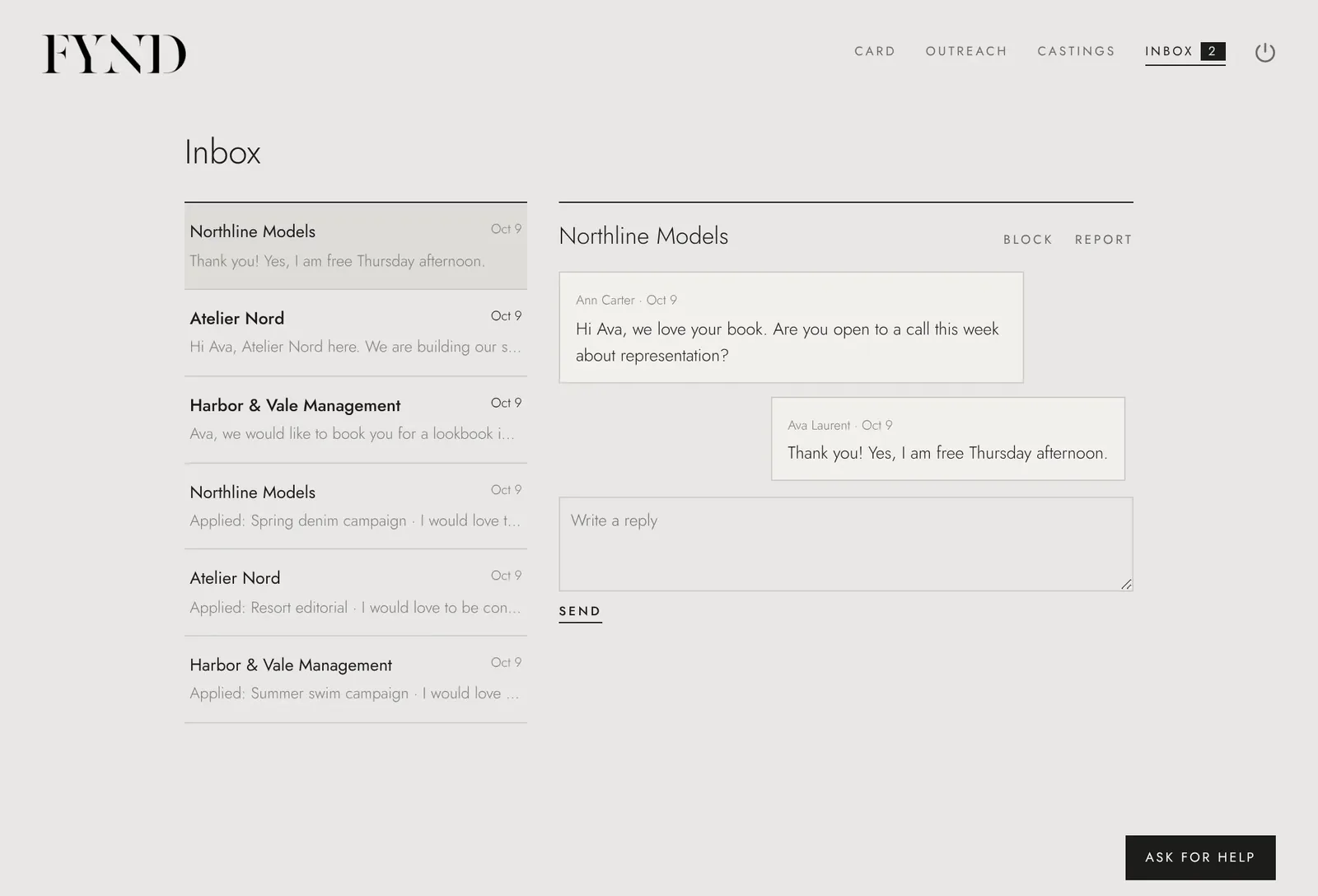
- The second box, Agencies may email me, is separate. Leave it unticked if you only want to hear from agencies inside FYND.
Good to know
- Only agencies on FYND can find you, and only while your card is published.
- Your email address is never shown to agencies. They message you inside FYND.