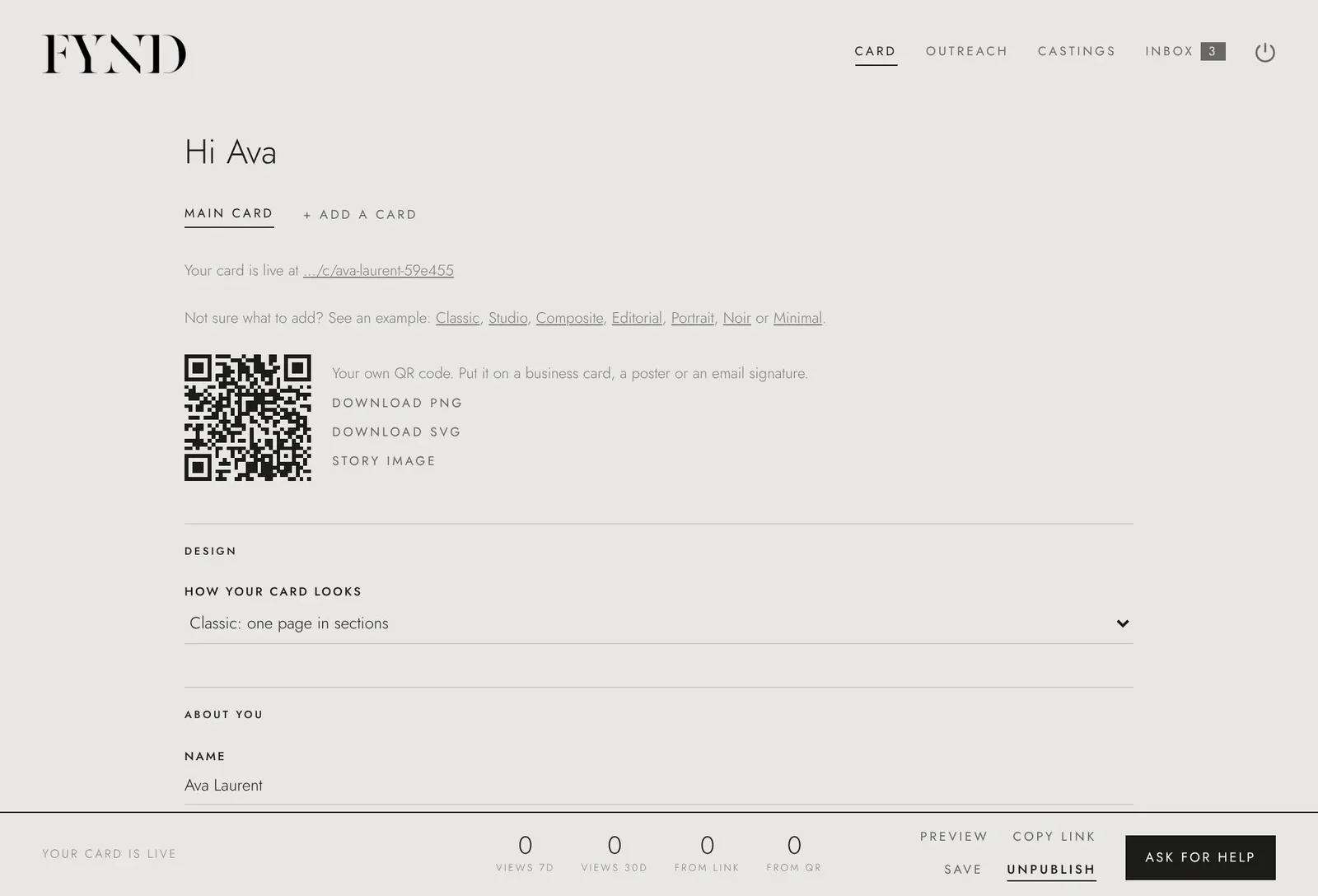
How to see how your card is doing
Your card shows views per day, split by link and QR code. It does not show who looked.
Steps
- Open the Card tab.
- Find How your card is doing.
- Read the totals and the chart. Views from your link and from your QR code are counted separately.
Good to know
- FYND does not track who looked at your card.