How to build your comp card
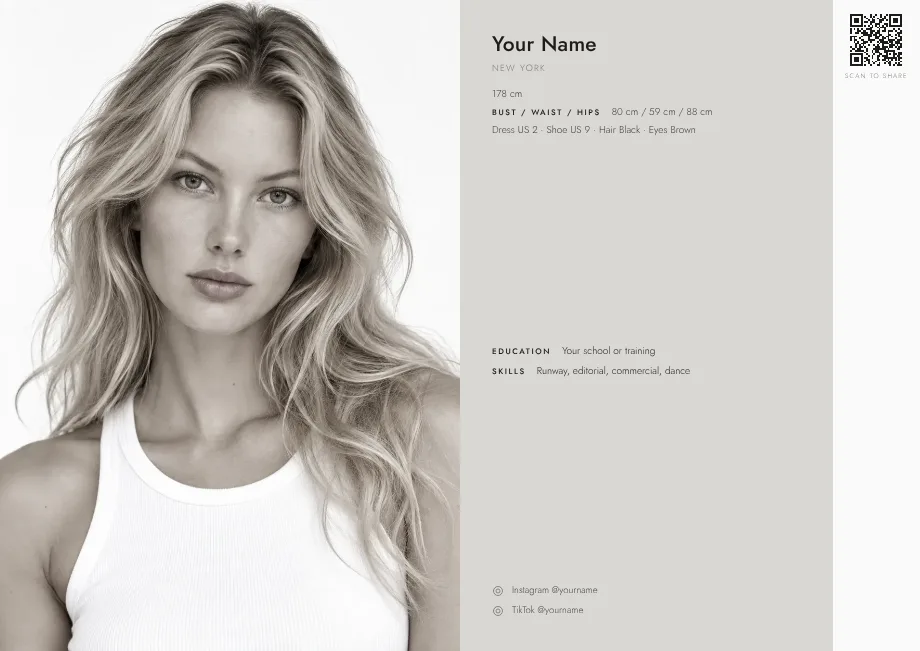
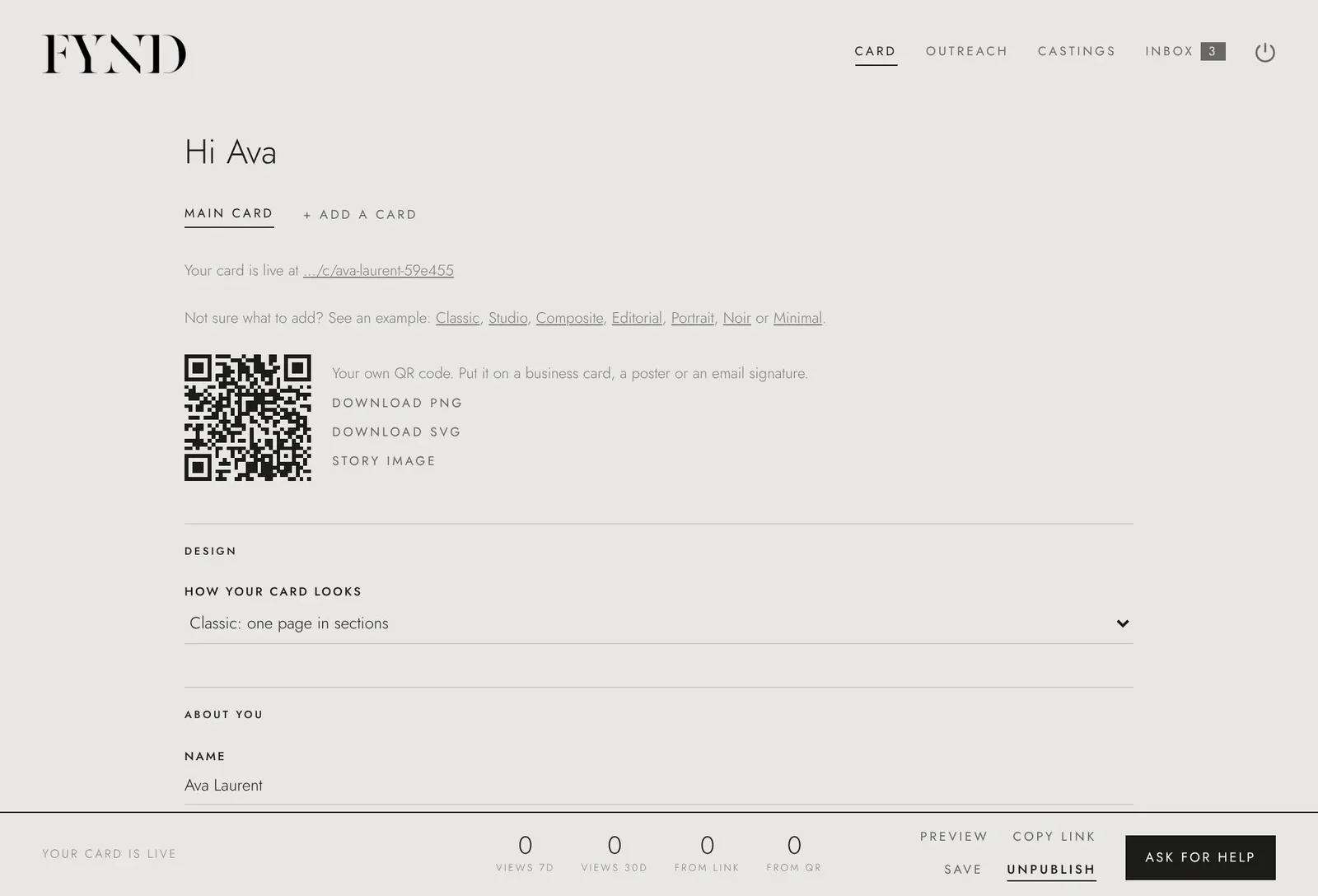
On the Card tab, add your photos, fill in your details and measurements, choose a design and save. You can come back and change it at any time.
Steps
- Open the Card tab.
- Under Photos, choose + Add photos and add up to six. Put a clear main photo first; you can use Make first to change which one leads.
- Fill in About you: your name, where you are based and a short line about you.
- Add your Stats: height, bust, waist, hips, dress and shoe size, hair and eyes. Be honest and measure yourself on a normal day.
- Add Background (experience, training) and your Social links if you want them shown.
- Under Design, use the How your card looks menu to pick a design, then choose Preview in the bar at the bottom to check it.
- Choose Save in the same bar. When you are ready, choose Publish (see publish your comp card).
Good to know
- When you sign up, you already build a first version of your card. The Card tab is where you change it later.
- Four to six photos is usual: a clean headshot, a full-length shot, a profile or three-quarter angle, and one with personality.
- Your date of birth, account email and password are never shown on your card.