How to add availability, travel dates and videos to your card
Add where you will be and when, so agencies searching a city find you when you are there, and add up to four video links such as a reel or a walk.
Steps
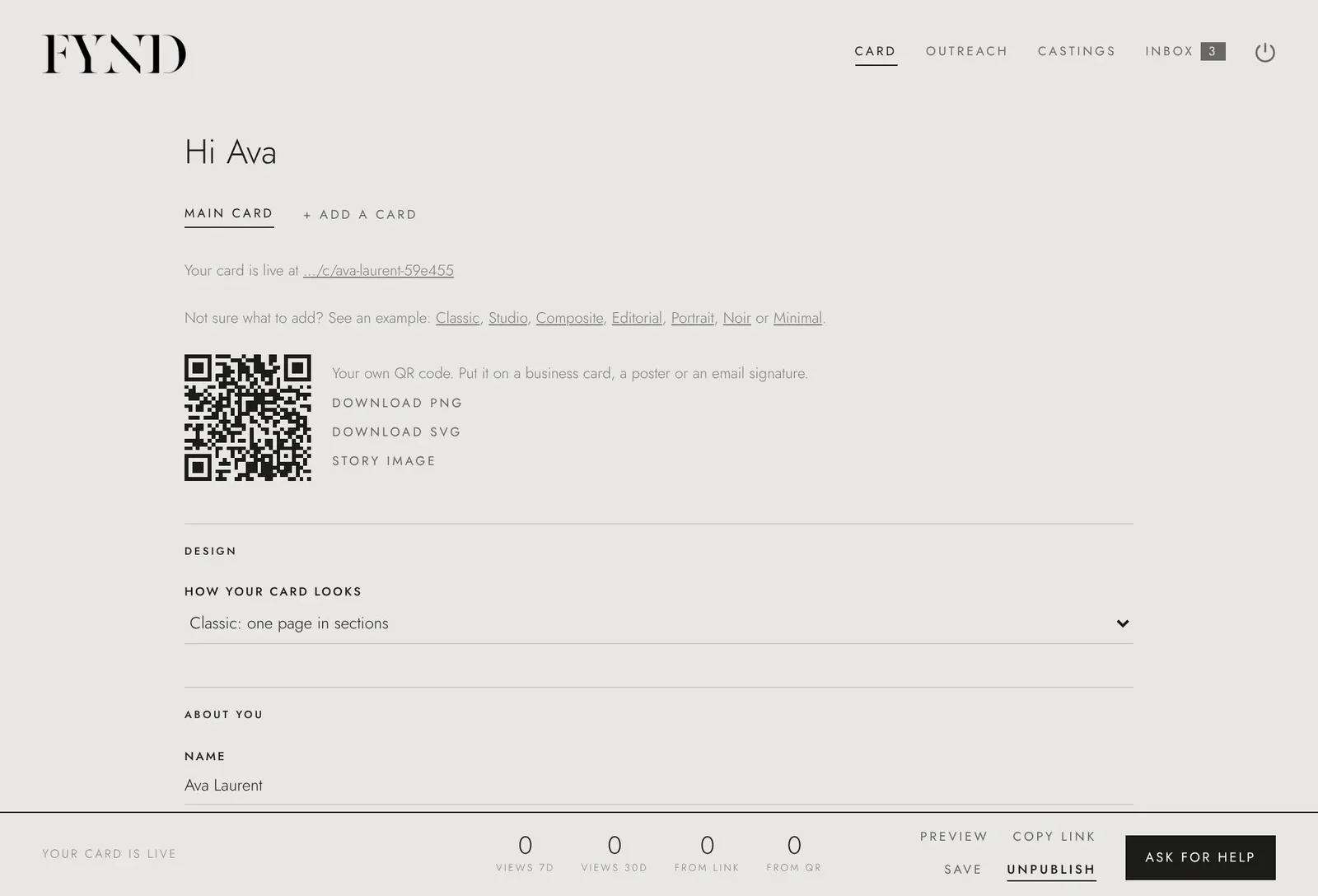
- Open the Card tab.
- Under Availability and travel, choose + Add a place and enter the place and dates. Past trips disappear by themselves.
- Under Video, choose + Add a video and paste a link to a reel, walk or clip on YouTube, Vimeo, Instagram or TikTok. You can add up to four.
- Choose Save.
Good to know
- Visitors open videos on the site they are hosted on.